A PDF ready for your appointment.
TirzeFlow builds a PDF report for your doctor from what you logged: weight, measurements, injections and side effects. You choose the period — the last four weeks, the last twelve or the whole treatment — and share the file through whichever app you prefer, from email to a printer.


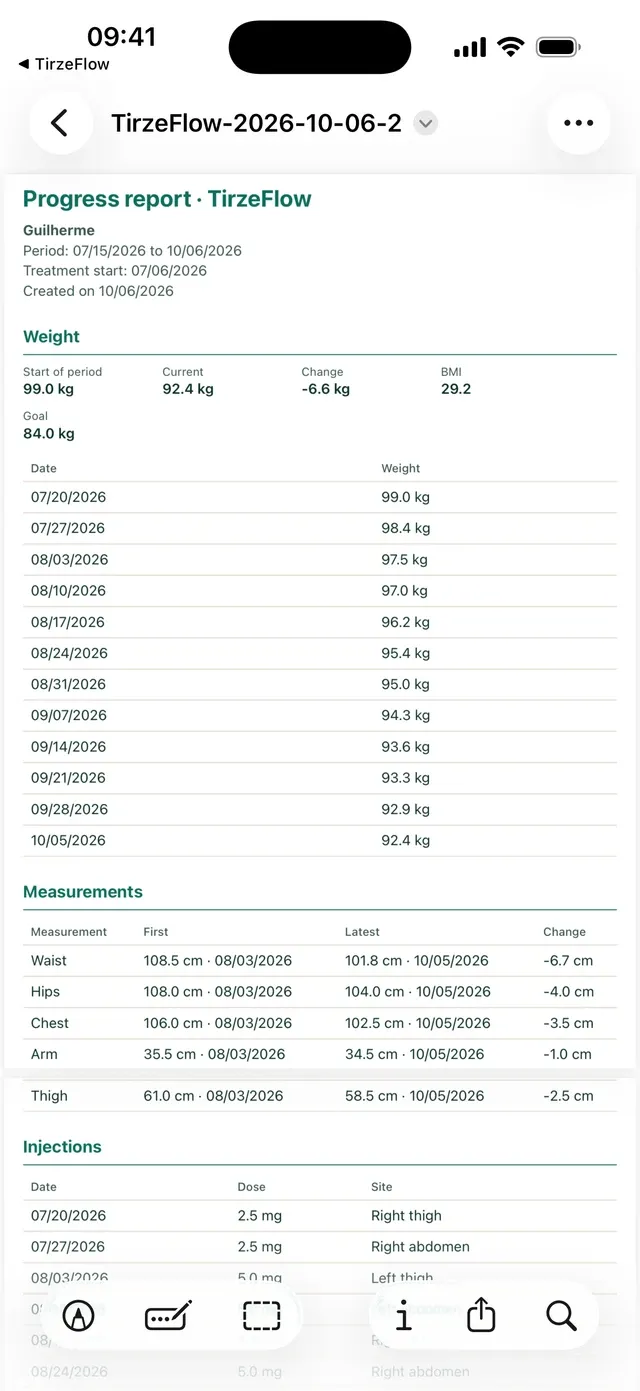
What goes into the report.
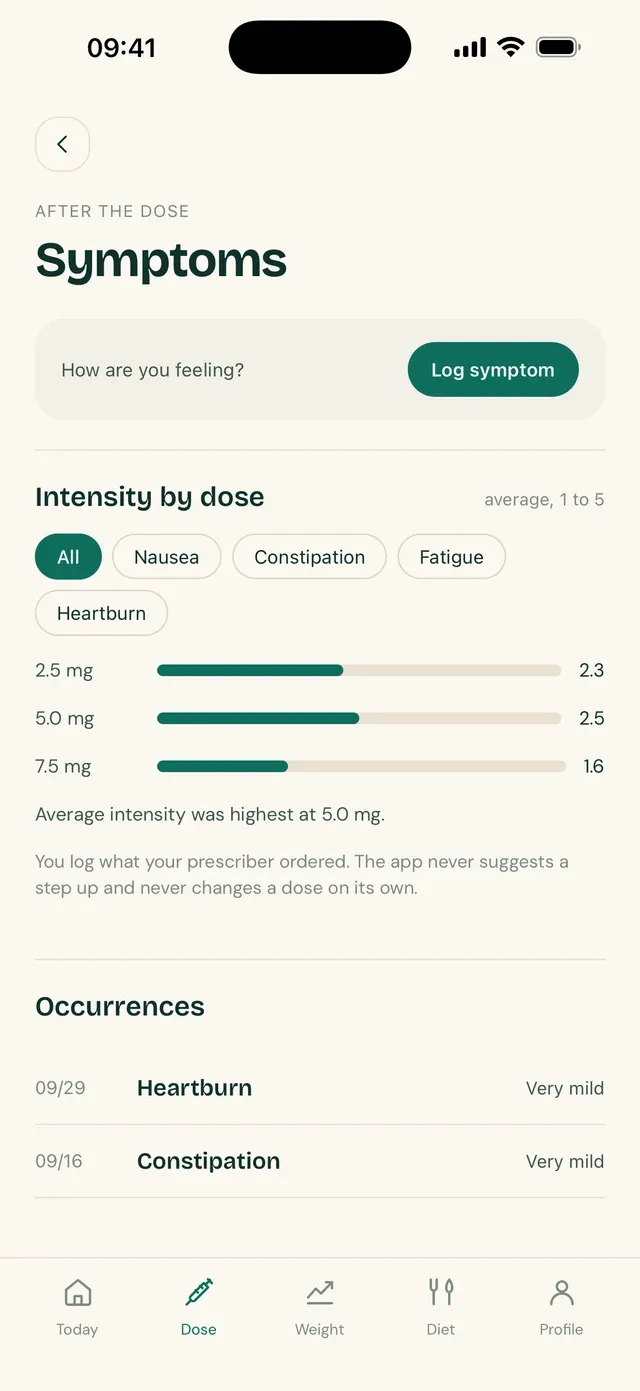
The PDF has four sections: how your weight moved, your body measurements, your injections with date, dose and site, and your side effects with the intensity you logged. The average intensity of your symptoms on each dose goes along as well.
When your weight or your injections have no entries in the period you chose, the report says what the last one before it was. A period with no injections does not hide the fact that the last one was seven weeks ago.
The report exists because appointments are short and memory is bad with dates. Instead of scrolling through your phone in front of the doctor, you hand over a few pages, in order, with what they usually ask: when each shot was, at what dose, how your weight moved and what you felt.
Three periods, one choice.
For a follow-up visit, the last four weeks are usually enough. For a first visit with a new professional, the whole treatment shows the full path. Twelve weeks sits in between.
The report is generated on the spot, with the data as it is at that moment. If you correct or delete an entry and generate it again, the new PDF comes out up to date.
The document carries no chart. It is an organized list of your entries, in tables with a title for each section and dark text that stays readable when printed — the kind of format that can be attached to a medical record.
The file is not kept.
The PDF is built on your device and handed to the system share sheet. After you share it or cancel, the app deletes the temporary file: no loose copy of your history is left on the phone.
The file name carries the app's name and the date, not your name. Progress photos do not go into the report; they stay on the device only. The PDF uses metric units.
Frequently asked questions
How do I generate the report?
In your Profile, tap Appointment report, choose the period and confirm. The app generates the PDF and opens the system share sheet so you can send or print it.
Does the report include my progress photos?
No. Photos stay encrypted on the device and never leave it. The report carries weight, measurements, injections and side effects.
Can I send the PDF by email or message?
Yes. The file is handed to the system share sheet, so any installed app that accepts a PDF will do, as well as saving it to your files or printing it.
Does the report interpret my data?
No. It organizes your entries into tables, by period. The clinical reading belongs to the professional who receives the document.
Is the PDF stored in the app?
No. The temporary file is deleted after sharing. To have the report again, just generate another one, which comes out with your current data.
See also
Updated on
Start your diary today.
Free, with no ads, in English, Portuguese and Spanish.