Your weight, without the keyboard or the noise.
TirzeFlow is a weight diary built for people who weigh in often: logging means tapping − or + and saving, with no keyboard. The weekly trend is worked out from one weigh-in per week rather than from the raw list, so stepping on the scale every day does not skew the average or the pace the app shows.


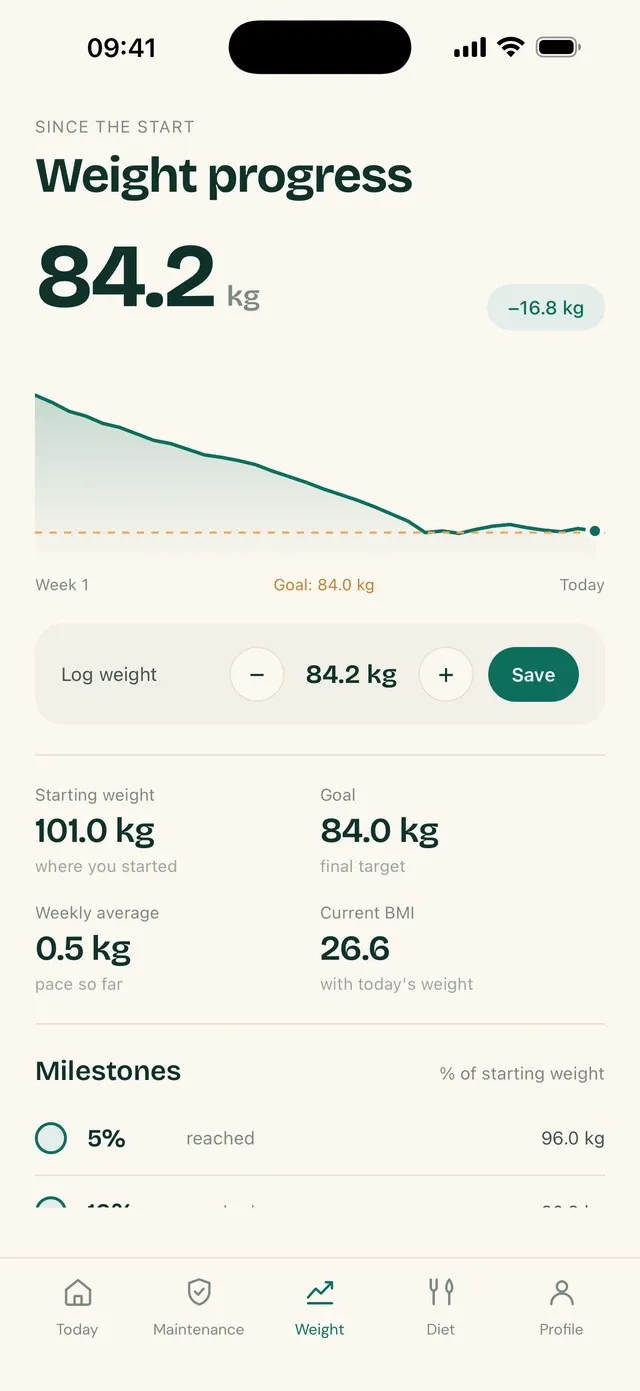
Logging is adjusting and saving.
The entry starts from your last weight. You nudge it up or down in steps of a hundred grams and tap Save. There is no text field, so there is no comma swapped for a dot and no half-typed number.
If you weigh in twice on the same day, the app keeps one weigh-in per day and updates the one already there. A wrong weigh-in can be deleted from the history, and it stops counting in the chart, the average and the report.
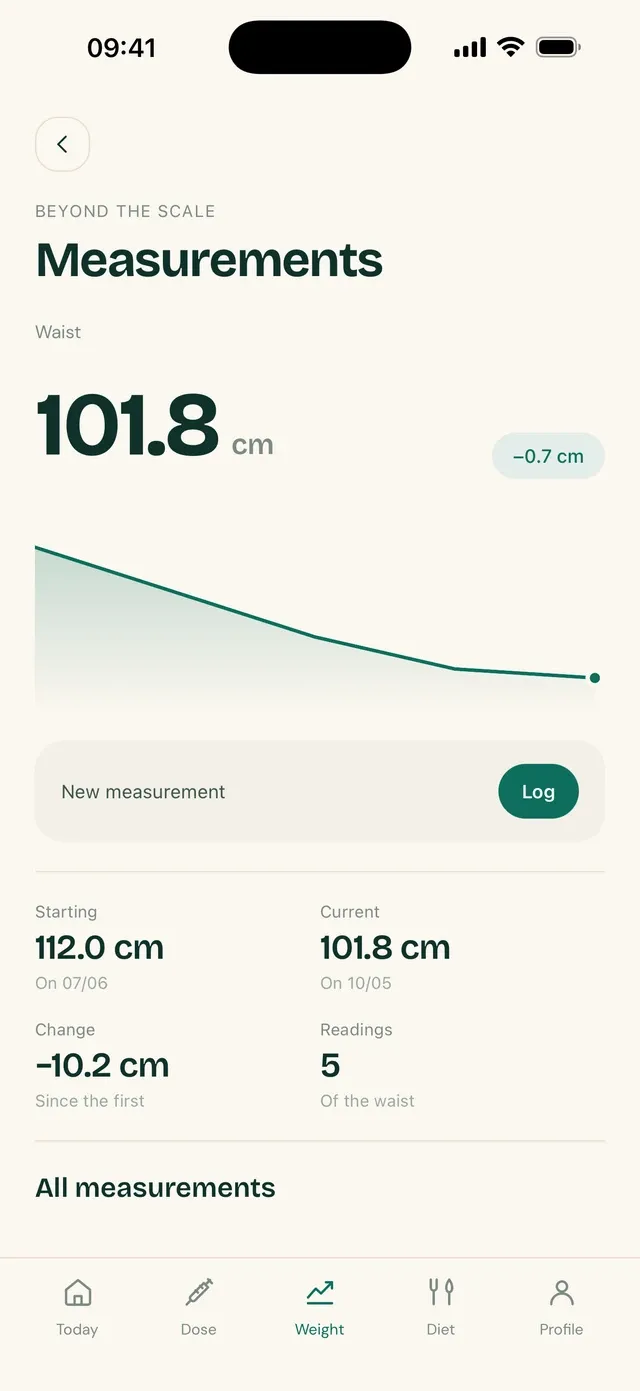
The trend looks at the week, not the day.
Weight moves from one day to the next with water, salt and the time of day. To avoid turning that movement into news, TirzeFlow reduces your weigh-ins to one per week before working out the weekly average and the change over the last four weeks.
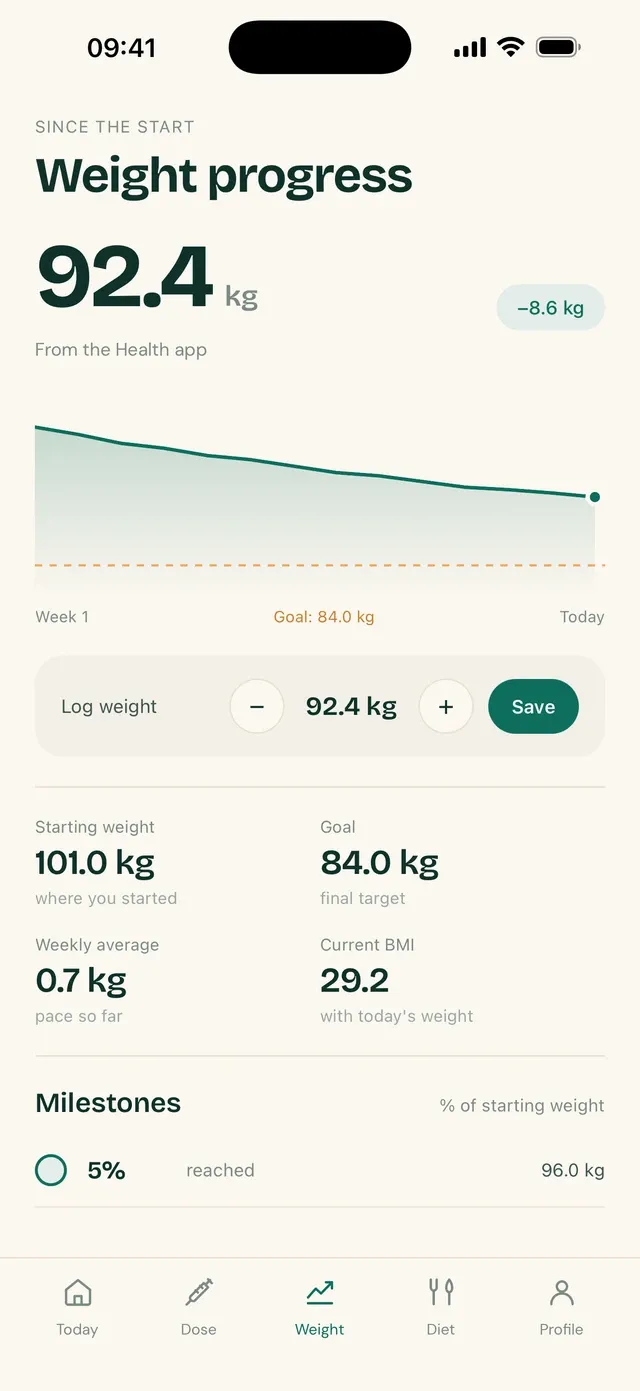
The screen shows your current weight up front and, around it, the context: where you started, your goal, your BMI and your average loss per week. Under the number there is a sentence that reads the data, with no praise and no nagging.
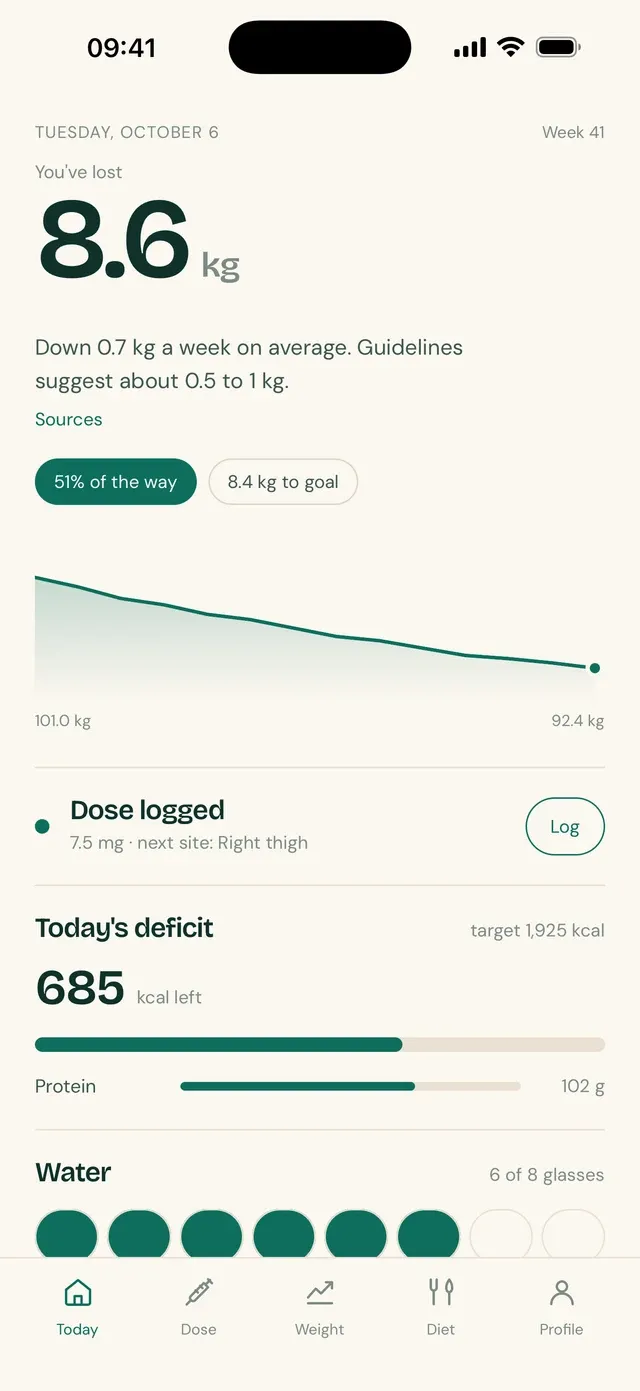
A connected scale comes in on its own.
You can connect your phone's health app, and weigh-ins recorded by a smart scale start arriving on their own. TirzeFlow only reads weight; it writes nothing to the health app.
What you type always wins. If there is a weigh-in of yours and an imported one on the same day, yours stands. And a weigh-in you deleted does not come back with the next import: the app remembers that day was discarded.
Frequently asked questions
Do I have to weigh in every day?
No. The app works with one weigh-in a week or with several. Because the trend runs on the weekly series, weighing in daily does not change the average; it only gives the chart more points.
How is the weekly average worked out?
Your weigh-ins are reduced to one per week, and the average weekly loss comes from that series. The same calculation runs on the device and on the server, so the number is the same on both.
Does TirzeFlow work with a smart scale?
Yes, indirectly: if your scale sends your weight to your phone's health app, TirzeFlow can read those weigh-ins once you allow it. It reads weight and nothing else.
What do the numbers around my current weight show?
Four reference points: your starting weight, your goal, your BMI and your average loss per week. All of them are worked out from your entries and your profile, and they change with every weigh-in.
What happens when I delete a weigh-in?
It is really removed: it leaves the chart, the weekly average and the report. If that weigh-in had come from the health app, the day is marked so it is not imported again.
See also
Updated on
Start your diary today.
Free, with no ads, in English, Portuguese and Spanish.